Technical guide
Manage multiple MikroTik routers from one platform
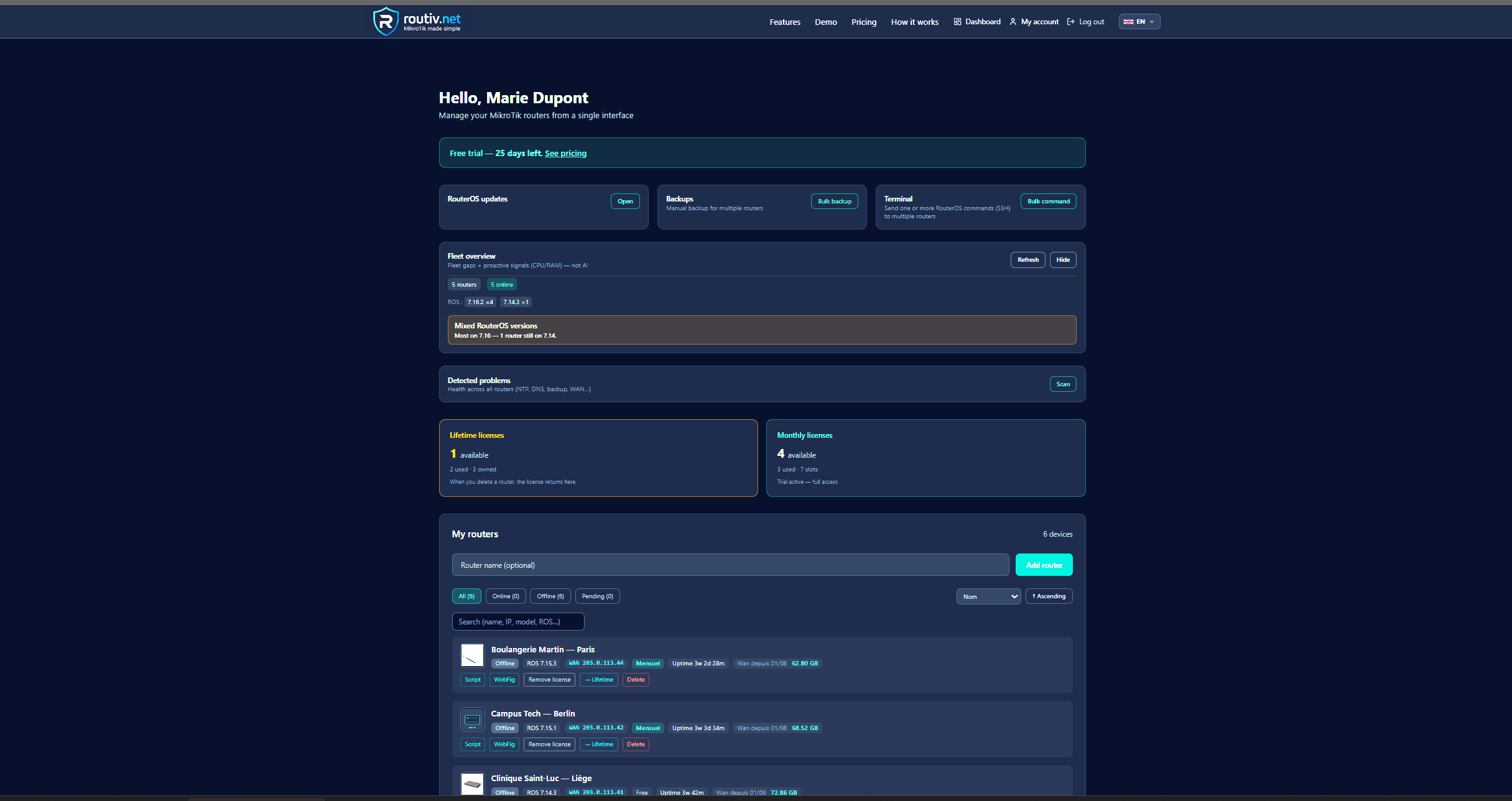
Spreadsheets and ad-hoc Winbox sessions do not scale. Centralized MikroTik network management gives MSP and multi-site teams one inventory, one alert stream, and one path for remote work.
Why multi-router operations break
Each new site adds credentials, VPN recipes, and backup habits. Without a controller layer, knowledge stays in one engineer’s head.
Night-time offline events and missed backups only show up when the customer calls.
Building blocks of multi-site RouterOS management
A practical stack covers five jobs.
- Inventory (model, ROS version, identity)
- Monitoring and offline detection
- Scheduled cloud backups
- Time-boxed remote access
- Alerts and on-call visibility (web + mobile)
MSP network management requirements
MSPs need hard boundaries between customers, clear audit trails, and tools that juniors can use without full Winbox folklore.
Routiv is positioned as MikroTik MSP software: one account model, fleet insights, and operational workflows on RouterOS only.
Routiv for fleets and multi-site teams
Enrol routers once, then operate from the dashboard: health, topology, LAN tools, backups, Winbox/WebFig sessions, mobile app.
Start with a pilot group, measure mean time to diagnose, then roll out.
FAQ
How do I manage multiple MikroTik routers securely?+
Use a centralized platform with outbound tunnels and temporary sessions instead of permanent public admin ports on every site.
Is this only for large fleets?+
Even 5–10 sites benefit once you want shared visibility and consistent backups.
Does it support RouterOS v7?+
Yes — validate on a lab device during trial, including backup and metrics.
Related guides
30-day trial — no credit card
30-day free trial